
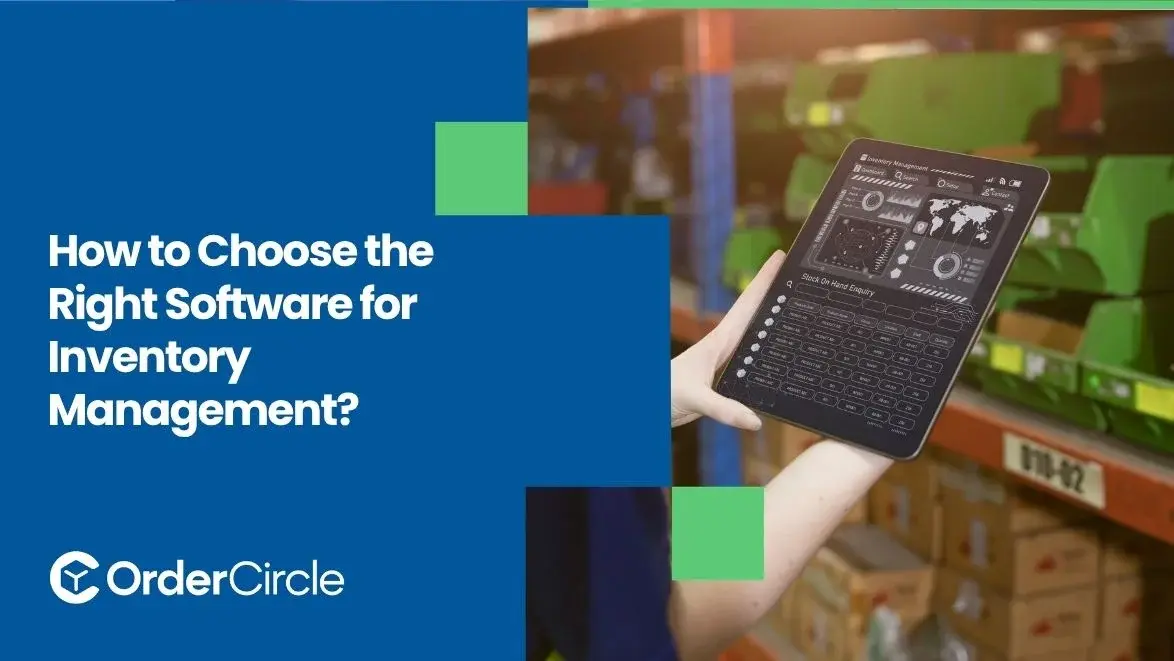
The right inventory system should match your stock complexity, sales channels, team workflows and growth plans. A good choice gives you accurate stock visibility without creating extra work. It should also connect smoothly with tools your business already depends on. Instead of chasing the longest feature list, focus on solving real inventory problems, reducing manual steps and supporting future expansion without unnecessary complexity.
Key Takeaways
- Start with your current inventory problems before comparing platforms. Identify issues like stock mismatches, overselling, delayed replenishment or poor warehouse visibility.
- Choose features that support daily work, not impressive demos. Real-time tracking, purchase orders, alerts, reporting, automation and integrations matter when they solve specific operational problems your team regularly faces.
- Look beyond today's size when evaluating potential systems. Growing businesses may add products, warehouses, sales channels, employees and suppliers. Your chosen platform should handle reasonable growth without forcing an expensive replacement.
- Compare total value instead of monthly subscription price alone. Implementation, support, integrations, training, automation and upgrade costs all affect value. A cheaper system can become expensive when it creates extra manual work.
A Practical Guide to Choosing Inventory Management Software
Choosing well becomes easier when you evaluate every option systematically. Start with operational needs, then examine features, growth capacity, compatibility, usability, automation and overall cost.
1. Define Your Inventory Management Requirements
Before reviewing software for inventory management, map how stock moves through your business. Record your SKU count, warehouses, suppliers, sales channels, order volume, purchasing process and fulfillment steps. Then identify recurring problems such as inaccurate counts, delayed reordering, overselling, or slow stock updates. These requirements become your evaluation checklist and prevent attractive features from distracting you from practical needs.
2. Prioritize the Features Your Business Actually Needs
Feature-heavy platforms can look impressive during a sales demonstration. However, unused tools can still add cost, training requirements, and configuration work. Separate requirements into must-have, useful and optional categories. Your must-have list might include real-time stock updates, barcode support, multi-location tracking, or reporting. This ranking helps you compare systems around business value instead of feature quantity.
3. Compare Software Based on Your Business Size and Growth
A small wholesaler and a multi-warehouse distributor need different capabilities. Consider your current volume, then estimate realistic growth over several years. Check limits for users, SKUs, warehouses, transactions, sales channels and integrations. Also review higher pricing tiers before committing. A suitable platform should support expansion without making today's operation unnecessarily complicated or tomorrow's operation artificially restricted.
4. Check Compatibility With Your Existing Systems
Inventory software rarely works alone inside a growing business. Your company may use ecommerce platforms, accounting tools or customer portals. Confirm whether each important connection supports the data you actually need. Ask how often information synchronizes, which system controls stock quantities and whether extra connectors cost more. Integration depth matters more than seeing familiar logos.
5. Evaluate Ease of Use and Automation
Powerful features deliver little value when employees avoid using them. Test navigation, product setup, receiving, adjustments, order handling, permissions, dashboards and reporting. Include warehouse and sales staff during trials because their daily experience matters. Next, examine automation carefully. Useful workflows can update stock after orders, trigger replenishment alerts, synchronize channels, or reduce repeated data entry without hiding important exceptions.
6. Compare Pricing and Overall Value
Subscription price only shows one part of ownership costs. Ask about setup, onboarding, users, warehouses, transactions, integrations, support, migration and paid add-ons. Then compare those costs with expected operational benefits. Paying slightly more can make sense when stronger automation reduces repetitive work, inventory errors, or overselling. Value comes from solving expensive problems, not simply finding the lowest monthly plan.
What Features Should Good Inventory Management Software Have?
Good inventory tools should provide clear stock control without making routine work difficult. Exact requirements vary, yet several capabilities matter for most growing inventory-based businesses.
- Real-time inventory tracking: Teams need current visibility into available, committed, incoming and unavailable stock. Timely updates help sales and fulfillment teams avoid promising inventory that another order already reserved.
- Low-stock and reorder alerts: Configurable alerts help purchasing teams act before important products run out. More advanced systems may let you consider supplier lead times, reorder points, expected demand, and safety stock when setting replenishment thresholds.
- Purchase order management: Purchasing tools should create, track, receive and reconcile supplier orders. Teams can then distinguish stock currently available from stock ordered but still waiting for delivery.
- Multi-location inventory control: Businesses using several warehouses need both company-wide and location-level visibility. The system should show where products sit and support transfers when one location needs additional stock.
- Sales channel synchronization: Connected channels should share updated inventory information quickly. Strong synchronization reduces overselling risks when wholesale buyers, ecommerce customers, or sales representatives purchase from the same available quantity.
- Useful inventory reporting: Reports should explain stock movement, slow sellers, fast movers, aging products, purchase activity and turnover. Useful reporting turns historical data into practical purchasing and replenishment decisions.
- Roles and permissions: Different employees need different levels of access. Warehouse teams may update receiving while managers review reports and administrators control settings, pricing rules, or system connections.
- Inventory adjustment history: Stock corrections should leave a clear record showing what changed. Audit trails help managers investigate count differences, damaged goods, receiving errors, or unexpected shrinkage without relying on memory.
- Replenishment support: Useful systems help teams decide what needs ordering and when. Reorder points, lead-time data, safety stock settings and demand patterns can support better purchasing decisions without replacing human judgment.
- Barcode and scanning support: Scanning can improve receiving, picking, transfers and cycle counts when your operation handles physical stock frequently. Check whether supported devices and barcode formats match existing warehouse processes before depending on this feature.
How to Compare Inventory Management Software Options
Comparing platforms fairly requires more than reading feature pages or pricing charts. Give every shortlisted system the same practical tests based on normal workflows.
- Use one checklist: Score every option against identical must-have requirements.
- Request focused demonstrations: Ask vendors to show workflows matching your operation.
- Test real scenarios: Process orders, transfers, backorders, returns and purchase receipts.
- Verify integrations: Confirm what data synchronizes and how frequently updates occur.
- Review implementation: Understand migration, training, configuration and setup responsibilities.
- Check support: Compare available support channels, documentation, onboarding and training.
- Calculate ownership costs: Include subscriptions, users, add-ons, integrations and upgrades.
Finally, weight each score according to business importance. Include frontline employees because they often notice workflow friction managers miss. A popular platform isn't automatically suitable when critical workflows require repeated workarounds or manual fixes.
Common Mistakes to Avoid When Choosing Inventory Software
Avoid these common mistakes before making a long-term commitment.
- Assuming every integration works deeply: An integration badge doesn't explain which information actually moves. Verify whether products, quantities, orders, customers, purchases and financial records synchronize as expected.
- Skipping hands-on testing: Sales demonstrations usually show ideal workflows. Let everyday users test routine tasks because confusing screens, extra clicks, or awkward exceptions can slow adoption later.
- Ignoring data migration: Existing SKUs, quantities, supplier records, product details and warehouse data need accurate transfer. Clean inaccurate, duplicate, or outdated records before migration because data-quality problems can carry over into the new system.
- Overlooking reporting quality: Attractive dashboards aren't automatically useful. Check whether reports answer real questions about replenishment, slow stock, purchasing, stock movement and product performance.
- Ignoring support during implementation: Setup problems often appear while importing data or connecting systems. Confirm what onboarding help is included and who handles technical issues when configuration becomes difficult.
- Thinking only about today's operation: Current needs matter most, though reasonable growth deserves attention. Adding new channels, warehouses, products, or employees shouldn't immediately force another expensive system change.
Conclusion
Choosing the right inventory platform starts with understanding how your business actually handles stock. Clear requirements help you judge features, integrations pricing and future capacity more accurately. Testing real workflows also exposes limitations before they disrupt daily operations.
Instead, choose a system that removes real inventory problems while remaining manageable for your team. If your wholesale business needs connected inventory and order workflows, OrderCircle can help centralize stock and operational visibility as your business grows.
.svg)


