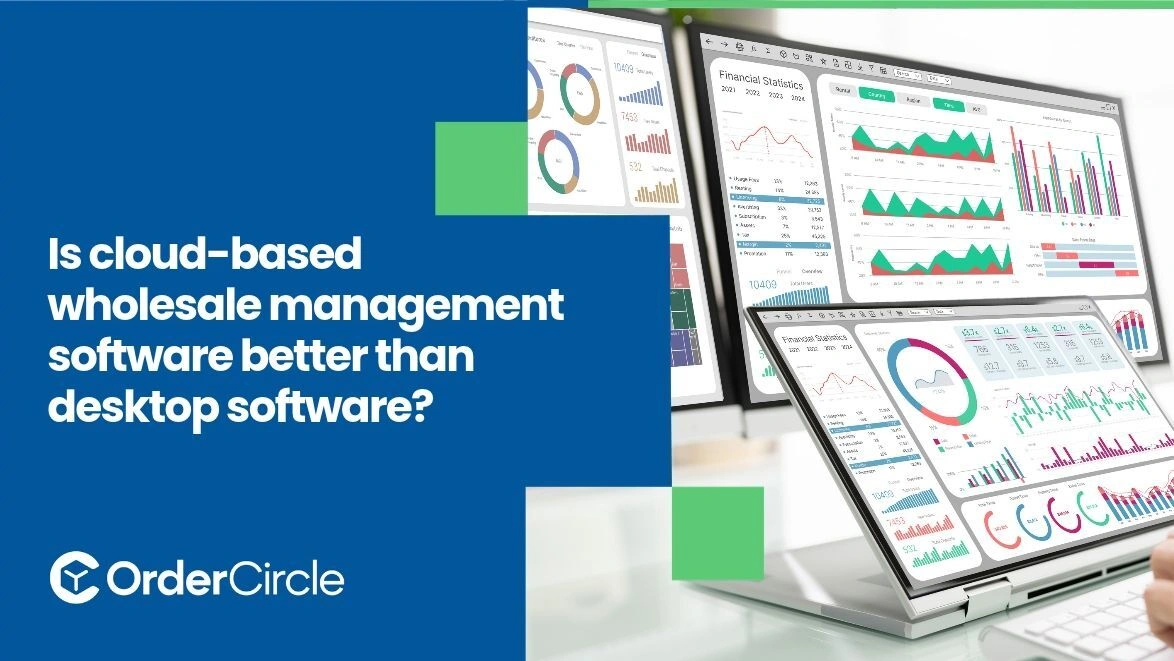
It depends on your business. Cloud-based wholesale management software is better for most growing wholesalers because it works from anywhere, updates in real time and needs little IT work. Desktop software can still win if you work from one site, have weak internet, or want full control of your data. The right choice comes down to how many people use the system and where they work. Cost, security and support matter too. Here is how the two compare so you can pick the right fit.
Key Takeaways
- Choose cloud if you have several users or locations or a sales team on the road.
- Choose desktop if you work from one site and your internet is unreliable.
- Compare total cost over several years and not just the first invoice.
- Ask each vendor about backups, security and support before you sign.
- Weigh cloud vs desktop wholesale software against your growth plans and not just today’s needs.
What Are the Benefits of Cloud-Based Wholesale Management Software?
Cloud systems favor teams that move around and grow fast. Four benefits stand out.
Access Business Data From Anywhere
Sales reps can check stock and place orders from the road. Managers can review reports from home. You can access the system from compatible devices with a browser and an internet connection. That freedom matters when customers call at odd hours or when you travel to a trade show. You always have the latest numbers in your pocket.
Keep Inventory and Orders Updated in Real Time
Orders and stock changes show up as they happen. Everyone sees the same numbers at the same time. That cuts overselling and double bookings. A rep in the field knows what is truly available. Your warehouse team sees new orders the moment they arrive.
Support Multiple Users and Locations
Adding a new user is quick. You can set permissions so each person sees only what they need. Several warehouses and offices can share one system. Nobody has to email files back and forth. Growth does not force you to rebuild your setup.
Simplify Software Updates and Maintenance
The vendor installs updates for you. You do not reinstall software on every computer. New features arrive automatically. Fixes reach everyone at once. That means fewer IT tasks and less downtime. Your team spends more time selling and less time troubleshooting.
When Is Desktop Wholesale Software a Better Choice?
Desktop software still fits some businesses. Three situations favor it.
Working Mainly From One Location
A single office or warehouse with a few users may not need remote access. Everyone works on the same local network. Desktop software can run fast and stay simple in that setup. Depending on the licensing model, you may avoid monthly subscription fees for features you will not use. Just plan for what happens if you add a second site later.
Operating With Limited Internet Access
Some areas have slow or unreliable internet. Desktop software keeps working when the connection drops. Cloud tools can stall without a signal. Some cloud products offer limited offline modes. Ask exactly what works offline before you rely on it. A bad connection should never stop you from taking an order.
Maintaining Greater Control Over Local Data Storage
With locally hosted desktop software, your data is typically stored on your own machine or server. You decide who can touch it. Some companies have rules that call for local storage. That control comes with a duty. You must back up and protect the data yourself. Decide if you have the time and skill to do that well.
How Do Cloud-Based and Desktop Wholesale Software Compare in Cost and Security?
Cost and security look different on each side. Compare them over several years.
Subscription Fees vs. Upfront Costs
Cloud spreads the cost into regular payments. The start is cheaper, but fees continue as long as you use it. Desktop often costs more upfront. You may also pay for hardware and installation and paid upgrades. Add up the full cost over three to five years. The cheaper option on day one is not always cheaper over time.
Data Security and Backup Options
Many cloud vendors provide automated backups and security monitoring, depending on the service plan. Ask about encryption, uptime, and where they store your data. With desktop, you handle backups, antivirus and access control. A failed hard drive can wipe out your records if you skip backups. Either way, test your restore process. A backup you cannot restore is not a backup.
Ongoing Maintenance and IT Support
With cloud, the vendor manages servers and patches. Support is often part of the plan. With desktop, someone must install updates and fix problems. You may need an IT contractor. That cost is easy to forget. Ask each vendor what support hours and channels they offer.
How Can You Choose the Right Wholesale Management Software?
Match the software to your business and not the other way around. Use these four checks.
Consider Your Business Size and Growth Plans
A small single-site business may do well with either type. A business planning to add users or locations will likely do better with the cloud. Think about where you will be in three years. Switching systems later takes time and money. Pick software that can grow with you.
Review Inventory and Order Management Needs
List what you must have. That might include real-time stock, a customer ordering portal and custom pricing and reports. Check that each option covers your list. Run your own products and orders through a trial. A demo with sample data can hide problems your real data will show.
Check Integrations With Accounting and Sales Channels
Your software should connect with your accounting tool, your shipping tools and any online sales channels. Ask which links are built in and which need extra work. Integrations cut double entry and reduce mistakes. Cloud products may offer easier integration setup, depending on the software and connected systems.
Compare Access, Support, and Total Ownership Costs
Write down every cost for each option. Include subscriptions, licenses, hardware, training and IT help. Add the cost of downtime. Compare support hours and response times too. Then weigh access needs against the total. The best choice balances price and reliability and room to grow.
Conclusion
Cloud-based software suits most growing wholesalers. It gives you access from anywhere, real-time data and easy updates. Desktop software still fits single-site businesses with weak internet or strict data control needs. Compare cost, security and support over several years. Test your top choices with real orders before you commit. Use cloud vs desktop wholesale software as a simple filter and pick the option that fits where your business is headed.
If you want to see how cloud-based wholesale management could work for you, talk to OrderCircle. Our team can walk you through ordering, inventory and reporting with your own products in mind. Reach out to OrderCircle today to find the right fit.