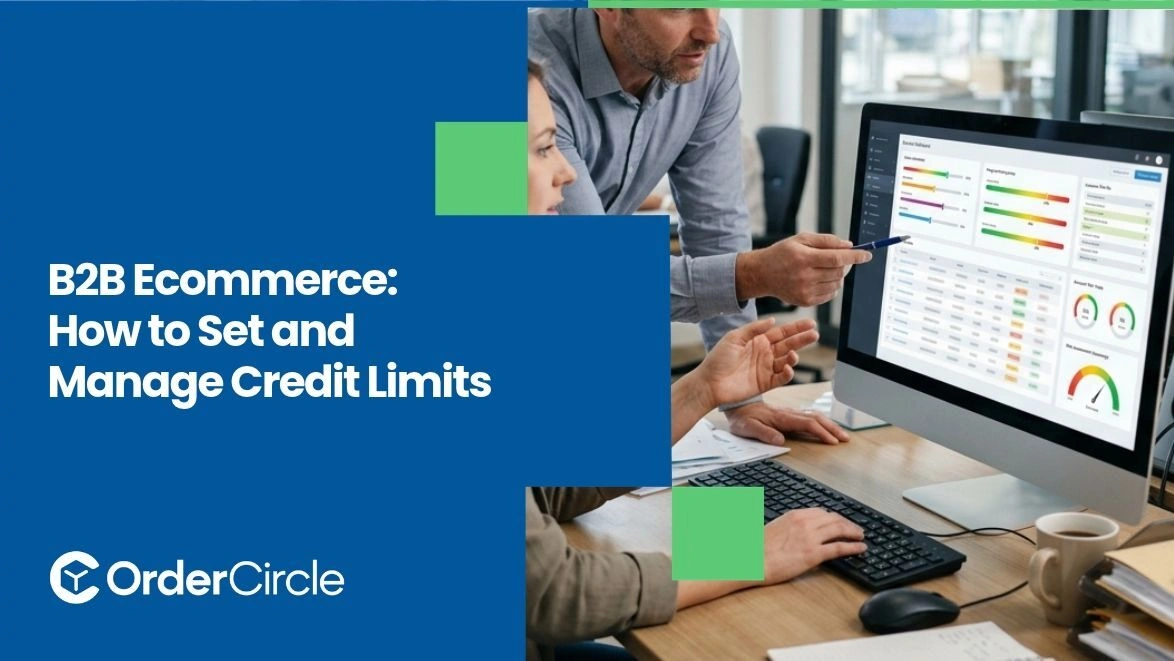
Credit limits in B2B ecommerce let wholesale sellers extend buying power to customers without taking on excessive risk. The right limit depends on the customer's financial health, payment history, and how much cash-flow exposure you can handle.
Once set, those limits need a system that tracks orders, invoices, and payments against them in real time. Done well, credit becomes a sales tool rather than a stress point. Setting and managing B2B ecommerce credit limits is less about picking a number than about building the right process around it.
Key Takeaways
- A credit limit caps the total unpaid balance a customer can carry at one time, protecting your cash flow while letting them order freely.
- Setting the right limit depends on the customer's payment history, credit background, and the risk your business can realistically absorb.
- Available credit shifts every day as new orders ship, invoices land, and payments clear. Your system should recalculate it on the fly.
- Payment terms work hand in hand with credit limits. Keep both in the same customer profile. Also, clear rules for over-limit orders, from auto-holds to manual approval, keep your team from making one-off decisions under pressure.
Why Do Wholesale Businesses Need Credit Limits?
Wholesale buyers rarely pay the moment they place an order. They order, receive stock, sell it, then pay you a few weeks later. That gap is why credit terms are standard in B2B. Without a credit limit, though, a single large order from a slow-paying customer can tie up your cash for months.
A clear limit does a few things at once. It caps your exposure if a buyer runs into trouble. It gives your sales team a defined ceiling so they aren't negotiating payment terms on every call. It also signals that your business is organized enough to be trusted at scale, which matters more than people think when wholesale buyers choose who to work with long-term.
How to Set Credit Limits for Wholesale Customers?
Picking the right number isn't guesswork. Five checks carry you most of the way, from due diligence on the buyer to a sober look at your own balance sheet.
Assess Each Customer's Creditworthiness
Before assigning any limit, you want a basic read on the buyer's financial condition. For established businesses, pull a commercial credit report from Dun & Bradstreet, Experian Business, or Equifax Business. These providers offer business credit information, including risk scores and payment history, though the specific data and credit recommendations vary by provider and report.
For smaller or newer customers, ask for trade references from two or three of their current suppliers. A quick email asking how long they've bought from the supplier and whether they pay on time can give you useful insight into their payment habits. If the buyer declines to share references, treat that as a signal.
Review Order History and Purchasing Patterns
If the customer has already ordered from you a few times, their track record is your best data source. Look at how often they order, average order size, and whether their payments consistently land on or before the due date.
A buyer who's paid six invoices in a row within terms deserves more credit than the initial limit suggested. Watch for seasonality too. A gift retailer might order heavily in October and November, then go quiet from February through August. Their limit should fit the pattern they actually buy in.
Evaluate Your Own Cash Flow and Risk Tolerance
Your credit policy only works if the numbers add up on your side. If 40% of your receivables are tied up with one customer at any given moment, you have a concentration problem that could break something.
Set customer credit limits based on your working capital, total outstanding receivables, customer concentration, and how much financial risk your business can comfortably absorb. Review your working capital, operating expenses, and supplier payment cycle. The limits you offer collectively need to leave enough liquidity for payroll, inventory, and the unexpected.
Choose an Appropriate Credit Limit
Now pick a number. For a new customer with solid credit references, consider starting with a limit that covers their expected purchasing needs while keeping your financial exposure manageable. That gives the buyer room to work while keeping your downside contained. If the first few invoices settle on time, raise it.
For an existing customer with a clean payment history, consider adjusting their limit based on typical order volume, payment terms, outstanding balances, and overall credit risk. Round to clean numbers. $5,000 is easier to communicate and track than $4,750.
Set Payment Terms Alongside Credit Limits
A limit on its own doesn't say much. Pair it with payment terms that spell out when the invoice is due. Net 30 is the common default, though many B2B sellers offer net 15 for new accounts and net 60 or longer for established partners.
Build an early-payment discount into the terms if cash collection matters to you. Something like "2/10 net 30" (a 2% discount if paid within 10 days) gives slow payers a reason to speed up. Spell out late fees too so there's no awkward conversation later.
How to Calculate Available Credit for B2B Orders?
The math itself is simple. Available credit generally equals the customer's credit limit minus outstanding invoices and any pending orders that count toward their credit exposure. Payments and applied credit notes reduce the outstanding balance, which can increase available credit.
Say a customer has a $15,000 credit limit. They have $4,200 in open invoices and a $2,800 order ready to ship. Their available credit sits at $8,000. The next order they place can't push the total past that number without triggering an over-limit review.
Where things get tricky is in the timing. Invoices paid overnight don't free up credit until the payment actually posts. B2B ecommerce platforms with properly configured accounting and payment integrations can update available credit as transactions are recorded, helping businesses maintain more accurate balances.
How to Manage Credit Limits in a B2B Ecommerce System?
Setting an initial credit limit can be straightforward, but managing limits across hundreds of accounts and thousands of orders requires a reliable system. Four pieces need to work together inside your platform.
Keep Credit Limits and Payment Terms in Customer Profiles
Every wholesale customer in your system should carry their credit limit and payment terms as fields on their profile, not notes buried in an email thread. When a sales rep opens the account, they should see the limit, the current available credit, and the agreed terms within three seconds.
This matters at the portal level too. If customers log in to self-serve, their own view should reflect the correct terms so they aren't surprised by an unexpected invoice due date.
Monitor Orders, Invoices, and Outstanding Balances
A credit limit is only useful when someone is watching it. Daily reports should flag accounts approaching their ceiling, past-due invoices, and any customer whose aging balance has crept past 60 days without payment.
Most teams don't need a human eye on every account every day. They need alerts for the ones that are drifting out of line. Set the thresholds once, then let the system surface the problems as they appear.
Establish Rules for Orders That Exceed Credit Limits
Decide ahead of time what happens when an incoming order would push a customer past their limit. The usual options:
- Auto-hold the order pending internal review
- Require prepayment on the overage amount
- Decline the order and prompt the customer to settle open invoices first
- Approve automatically when the overage falls under a set percentage, say 10% of their limit
Pick one default and document the exceptions. The point is to remove the pressure of making the call under a deadline.
Connect Credit Records With Accounting and Invoicing Workflows
If your ecommerce platform doesn't talk to your accounting system, credit management turns into a reconciliation nightmare. Payments post in one place and show up in the other three days later. Available credit figures lag reality.
Integrations with accounting tools like QuickBooks or Xero can help close that gap by syncing invoices and payment records. Depending on the integration and its settings, available credit may also update automatically. Your team isn't spending Fridays matching numbers between two systems.
How to Monitor and Adjust Customer Credit Limits?
Credit limits don't belong in a set-and-forget folder. A healthy review cycle keeps them aligned with how the customer is actually behaving month to month, not how they looked when the account opened.
Quarterly reviews work well for most wholesale operations. Look at payment history over the last 90 days, order volume trends, and any changes in the customer's own business like expansion, new locations, or shifts in product mix. A buyer whose orders have doubled and who pays within terms every month has earned a limit increase.
The reverse matters just as much. Shrink limits for customers whose payments are slipping, whose businesses are contracting, or whose industries are hitting rough weather. Don't wait for a bad invoice to force the decision for you.
Communication matters here too. When you raise a limit, tell the customer. It's a trust signal they appreciate. When you reduce one, do it before the problem gets bigger. Frame it as a terms review rather than a punishment. Most buyers understand when you handle the conversation professionally.
Conclusion
Setting and managing credit limits well is one of those quiet jobs that keeps a wholesale business steady. Check creditworthiness upfront, size the limit against the customer's capacity and your own cash flow, and pair it with written payment terms. Then let your B2B ecommerce platform track the daily movement, flag drifting accounts, and keep credit records aligned with accounting.
Want all of that running from one place? OrderCircle brings customer profiles, wholesale terms, invoicing, and payments into one connected platform built for B2B sellers. Start the free 14-day trial and see how much simpler credit management can feel.