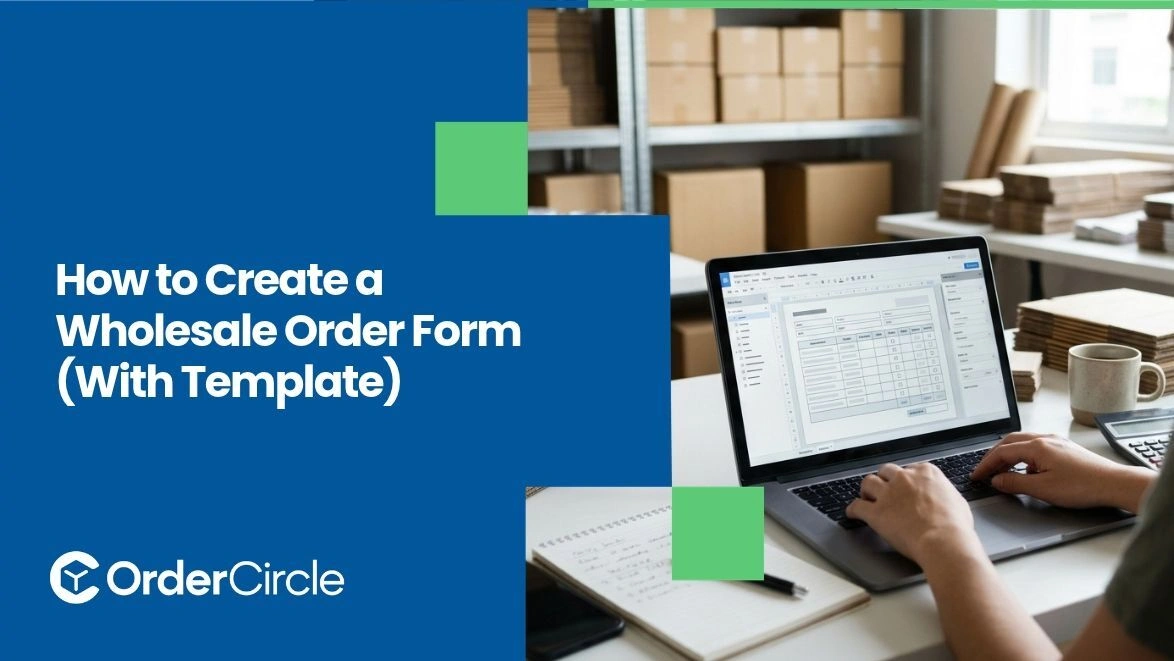
Start with your business details and the buyer's, add a product table with SKUs and wholesale pricing, then spell out your minimums, payment terms and shipping. That's the backbone of it. Most of the trouble retailers run into comes from forms that leave something out, usually the terms which is how you end up chasing people over invoices nobody understood. There's a working template further down you can lift. Getting a wholesale order form right saves a surprising amount of back and forth.
Key Takeaways
- Every wholesale order form needs six things: your details, the buyer's details, a product table with SKUs and pricing, minimum order requirements, payment terms and shipping information. Leave out the terms, and you'll chase payments later.
- Build the product table so buyers only fill in quantities. Pre-populate everything else.
- Put minimum order quantities and case pack sizes near the top, not buried in fine print nobody reads.
- A PDF works for a handful of accounts. Once you're processing orders weekly, rekeying them by hand starts costing more than it saves.
What Is a Wholesale Order Form?
It's the document a retailer fills in when they want to buy from you in bulk. Simple as that, though it does more work than people give it credit for. A retail checkout and a wholesale order aren't the same animal.
Wholesale involves tiered pricing, minimum quantities, case packs, payment terms that aren't just "card now," and often a delivery window weeks out. Your form is where you agree to all of that in writing. It also doubles as a record. When a buyer insists they ordered 24 units and your warehouse shipped 12, the form settles it.
What Should a Wholesale Order Form Include?
Six sections are included in it. Miss one and you'll feel the gap within a month.
- Your Business Information: Company name, address, phone, email and who to contact about the order. Put an order number field here too, because tracking orders by buyer name stops working the moment someone places a second one.
- Buyer Information: Business name, billing address, shipping address when it differs, contact person, phone, email. Depending on your location and tax requirements, you may also need to collect a resale certificate or tax ID before processing the order.
- The Product Table: SKU, product name, size or variant, case pack quantity, unit price, quantity ordered, line total. Buyers should only be typing in that quantity column.
- Order Minimums: Your minimum order value, minimum quantities per item and case pack rules. State these plainly before the product table, not after it.
- Payment Terms: Net 30, deposit required, accepted payment methods, late fees if you charge them. Ambiguity here is what turns a good account into a collections problem.
- Shipping and Delivery: Preferred carrier, who pays freight, estimated lead time and whether partial shipments are acceptable.
Key Steps in Developing a Wholesale Order Form
Five steps. Give yourself an afternoon and you'll have something workable.
1. Decide How Buyers Will Actually Submit It
Settle this before you design anything, because it changes the whole build. A PDF buyers print and email back is fine when you've got five accounts. A fillable PDF or spreadsheet saves them from handwriting everything.
An online form that lands in your system is where most growing brands end up, since nobody has to retype anything. Pick based on how many orders you're handling now and what that looks like in a year.
2. Build the Header With Both Sides' Details
The top of the page gets your branding, company details and the order number field. Underneath that, the buyer's section. Keep buyer fields tight. Business name, contact, phone, email, billing address, ship-to address, tax ID. Anything you don't genuinely use for fulfillment or invoicing is friction, and friction is how half-completed forms happen.
3. Lay Out the Product Table
This is the part buyers actually interact with so it's worth getting right. Columns across the top: SKU, product name, variant, case pack, unit price, quantity, line total. Fill in everything except quantity. A buyer searching for your SKU codes or guessing prices will make mistakes, and you'll be the one fixing them.
Group products by category when you carry a lot of lines. Adding a "units per case" column prevents the classic confusion where someone orders 6 thinking cases and receives 6 bottles.
4. State Your Terms Where People Will Read Them
Minimums go directly above the product table. Place payment terms and shipping below it, before the signature line. Write them as you'd say them. "Minimum order $500. Net 30 for approved accounts; otherwise, payment on order. Freight calculated at shipping and added to your invoice." Legal-sounding paragraphs get skipped and skipped terms turn into disputes.
5. Add Totals and a Confirmation Line
The bottom of the form needs a subtotal, shipping, tax, and order total. If you're sending a static document, tell buyers whether they should calculate it or leave it blank for you. Finish with a signature and date field. It's not strictly necessary for every business, but it gives you something concrete if an order gets disputed later.
Should You Use a Static Form or an Online Ordering Portal?
It depends entirely on volume, and the crossover point arrives sooner than most people expect. Static forms are fine early on. They cost nothing; you can change them whenever, and buyers understand them without needing instruction. The catch is everything that happens after the form comes back.
Somebody rekeys it into your system. Somebody checks the stock was actually available. Somebody notices the buyer used last season's prices. Each of those is a chance to get something wrong and the mistakes multiply as orders do.
An ordering portal moves that work upstream. With the right integrations, an online ordering portal can display updated pricing, apply account-specific terms, show available stock, and send orders directly into your system without manual re-entry.
Rough rule: under ten orders a month, a good form is plenty. Past that, the hours spent on data entry usually outweigh what a portal costs.
Conclusion
A wholesale order form has six parts: your details, the buyer's details, a product table that does most of the work, your minimums, your payment terms, and your shipping information. Build the table so buyers only enter quantities. Put minimums above it and terms below it in plain language.
The template above gives you a starting point and you'll want to adjust it for how your products are actually sold. Once manual order entry starts eating your week, a B2B ordering platform like OrderCircle can help streamline order submission, customer-specific pricing, and payment terms while reducing manual data entry.